
ComPOSxb: Understanding the Features of an Integrated POS Solution
Modern businesses need point-of-sale technology that can support more than basic transaction processing. As retailers, restaurants, and other organizations manage increasing amounts of sales and operational data, an integrated POS solution can help bring essential functions together within a connected environment.
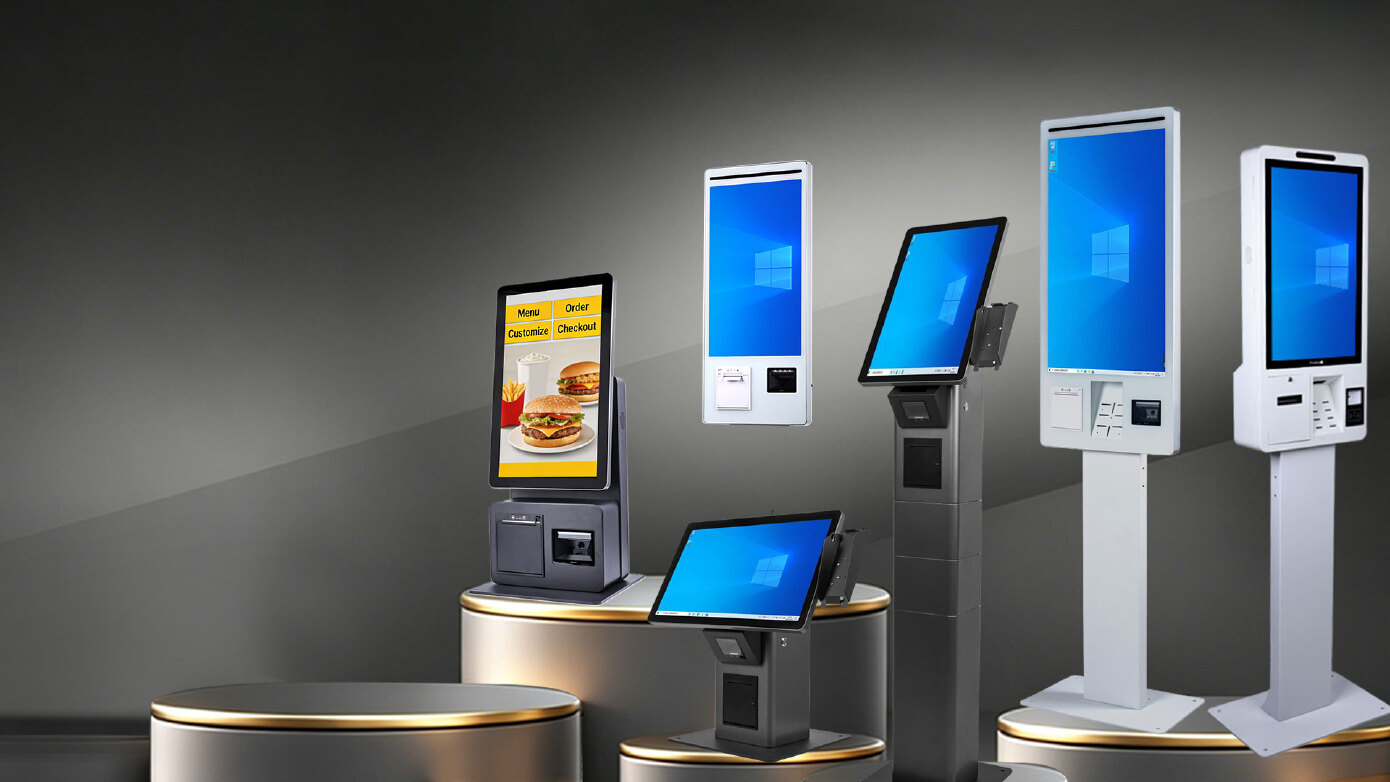
ComPOSxb is an example of an integrated POS solution designed to support business operations through connected point-of-sale technology. Understanding the features and considerations associated with an integrated system can help businesses determine whether this type of approach is appropriate for their workflow.
What Is an Integrated POS Solution?
An integrated POS solution connects the point-of-sale environment with other hardware, software, and business functions. Instead of treating checkout equipment as an isolated system, integration allows relevant components to communicate with one another.
Depending on the configuration, an integrated POS environment may connect sales terminals with payment devices, receipt printers, barcode scanners, inventory tools, customer displays, and reporting functions.
Centralized Transaction Processing
One of the primary functions of a POS system is processing sales transactions. An integrated approach can bring transaction activity into a centralized system, making it easier for employees to complete sales and for businesses to monitor activity.
Centralized processing can also reduce the need to enter the same information into multiple systems, potentially improving accuracy and reducing repetitive administrative tasks.
Hardware Integration
A complete POS setup often involves several hardware components. Terminals, scanners, printers, cash drawers, and payment devices need to work together smoothly.
An integrated solution can provide a structured environment in which these components communicate through compatible interfaces. This can simplify the checkout process and make the overall hardware configuration easier to manage.
Payment Processing
Payment functionality is a fundamental part of modern POS operations. Businesses may need to process cards, contactless payments, mobile wallets, and other transaction methods.
An integrated POS environment can connect payment hardware with the sales workflow, allowing employees to process transactions without relying on disconnected systems. The exact payment capabilities depend on the hardware, software, and payment services used.
Inventory Management
For retail businesses, keeping track of inventory is an important part of daily operations. POS transactions can provide useful information about products sold and stock movement when the POS system is integrated with inventory management tools.
This connection can help businesses maintain more consistent records and identify products that may require replenishment.
Reporting and Business Data
POS systems generate valuable transaction data. An integrated solution can organize this information into reports that businesses can use to review sales activity and operational performance.
Depending on the system configuration, reports may cover sales totals, transaction activity, product performance, or other business metrics. Access to organized data can support more informed operational decisions.
Employee Efficiency
A well-designed POS system should make routine tasks straightforward for employees. Integrated hardware and software can reduce unnecessary steps by allowing workers to complete sales, payments, and other activities through a connected interface.
Ease of use is particularly important in high-volume environments where employees need to process transactions quickly and accurately.
Support for Different Business Environments
POS requirements differ depending on the industry. Retail stores may emphasize barcode scanning and inventory management, while restaurants may need features related to order entry, tables, and kitchen communication.
An integrated solution can be configured around different workflows, provided the available hardware and software support the required functions.
Connectivity and System Integration
Integration depends heavily on reliable communication between devices and software. Depending on the setup, POS equipment may use wired networks, Wi-Fi, USB, Bluetooth, or other connection technologies.
Businesses should assess their existing infrastructure before implementation. Reliable connectivity can help ensure that integrated components operate consistently.
Scalability for Growing Businesses
Business requirements can change over time. A company may add employees, checkout stations, products, locations, or additional services.
A scalable POS environment can accommodate these changes without requiring a complete replacement of the original system. When evaluating an integrated solution, businesses should consider whether additional hardware and software functions can be introduced as needed.
Security Considerations
POS systems handle sensitive business and transaction information, making security an important consideration. Businesses should review the security capabilities of both the POS software and connected payment hardware.
Access controls, software updates, secure network configurations, and appropriate payment security practices can all contribute to a safer POS environment.
Maintenance and Technical Support
Integrated systems can involve several connected components, so maintenance and technical support should be considered during the selection process.
Businesses should understand how hardware failures, software issues, connectivity problems, and replacements are handled. Clear support procedures can help reduce disruption when technical issues occur.
Evaluating Whether an Integrated POS Is Right for You
An integrated POS solution can be useful for businesses seeking to connect sales activity with other operational functions. However, the right configuration depends on business size, workflow, existing technology, and budget.
Before adopting a system, assess the required hardware, software compatibility, payment options, inventory needs, reporting requirements, scalability, and support arrangements.
Final Thoughts
Integrated POS technology can bring multiple aspects of business operations together through a connected system. Features such as transaction processing, hardware integration, payment support, inventory connectivity, reporting, and scalability can make POS management more organized and efficient.
ComPOSxb represents an approach to integrated POS technology, but businesses should always evaluate any POS solution according to their specific operational requirements. Careful consideration of functionality, compatibility, security, usability, and long-term support can help organizations choose a system that fits their needs.

